
Vibe coding has made programming accessible to people who’ve never written a line of code in their life. Instead of learning syntax, logic structures, and programming languages, you describe what you want in plain English and let AI generate the code for you.
The process works through conversation. You tell an AI tool like Claude or ChatGPT what you need, whether that’s a script to organize files, a basic web app, or a data processing tool, and it writes the code to accomplish that task. You test the result, describe what needs fixing, and refine through back-and-forth until it works.
It’s not perfect, however. You may spend time testing, clarifying, and requesting corrections. But for simple projects, vibe coding produces functional results without requiring traditional programming knowledge. Here’s how to get started.
What is vibe coding, exactly?
Vibe coding is giving AI a programming task and letting it handle the implementation. You describe outcomes, not methods. The AI figures out how to accomplish what you asked and generates the necessary code. You guide the process through prompts, but you’re not writing the actual code yourself.
The term originated from OpenAI researcher Andrej Karpathy describing this hands-off approach as “giving in to the vibes” — accepting that you won’t fully understand every line the AI produces. That’s the trade-off: functional code without deep comprehension of how it works.
Bugs can be inevitable. Since you didn’t write the code, debugging means describing problems back to the AI rather than fixing issues yourself. For straightforward projects, this limitation matters less than the ability to build things you couldn’t create otherwise.
5 tips for effective vibe coding
1. Start with small, achievable projects
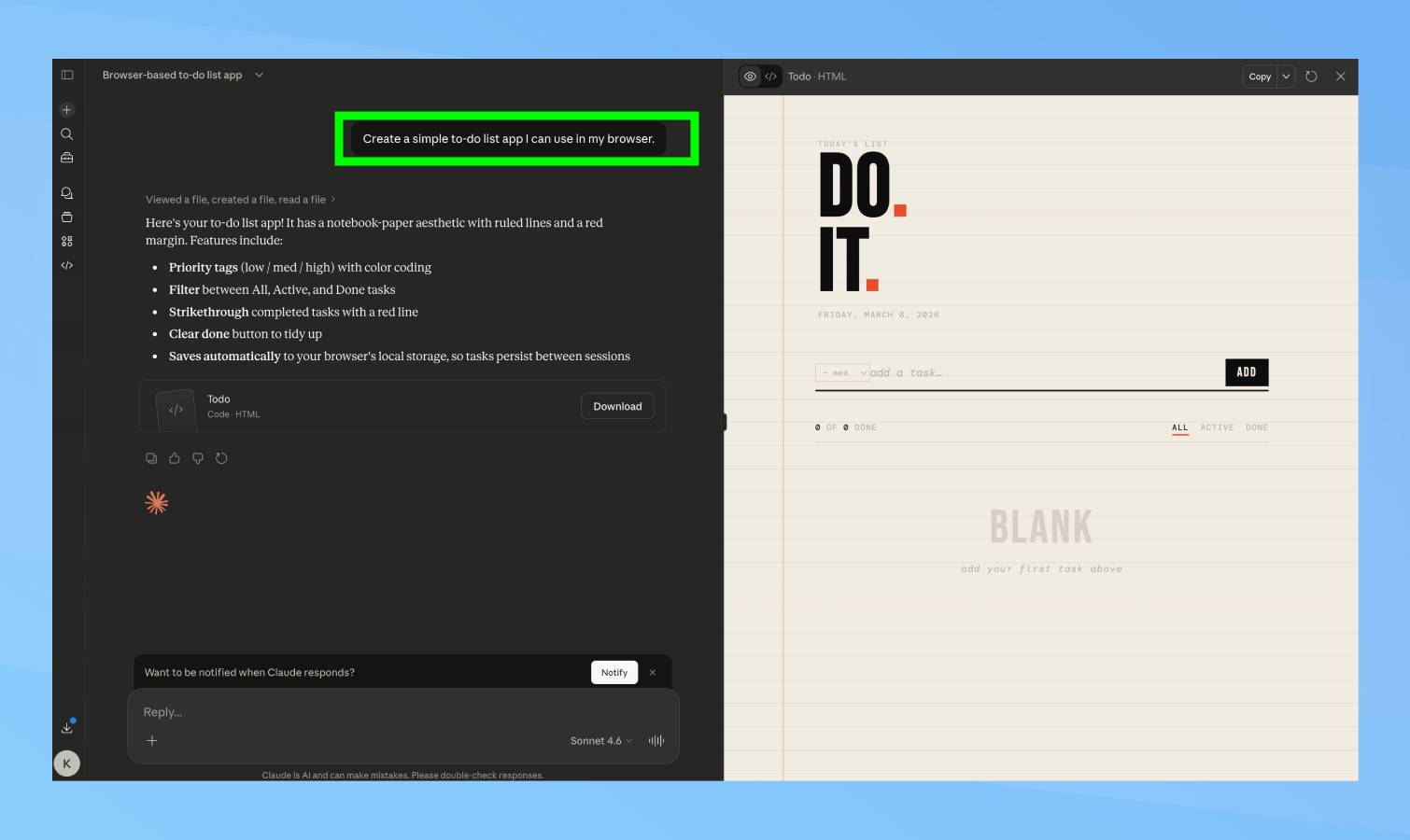
Don’t begin with something complex. Pick a simple project you can complete quickly and test immediately — like a timer, a calculator, or a file organizer.
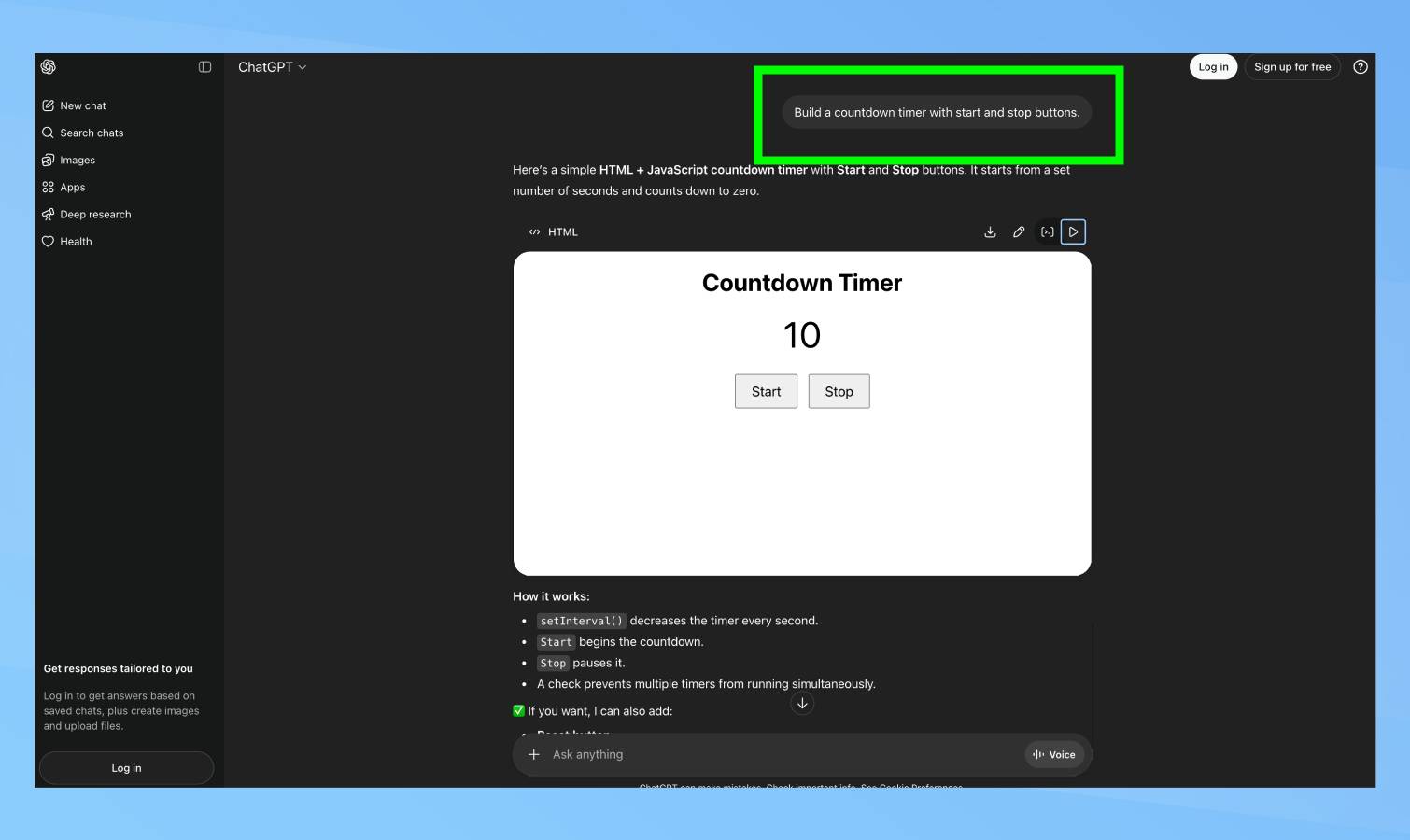
Ask your chosen AI something like: “Create a simple to-do list app I can use in my browser” or “Build a countdown timer with start and stop buttons.”
The AI generates the code, you save it and test it. If it works, you can add more features: “Add a delete button for each task” or “Make the timer play a sound when it finishes.”
Starting small lets you learn how vibe coding works without getting overwhelmed by complicated code you can’t debug.
2. Be specific about what you want
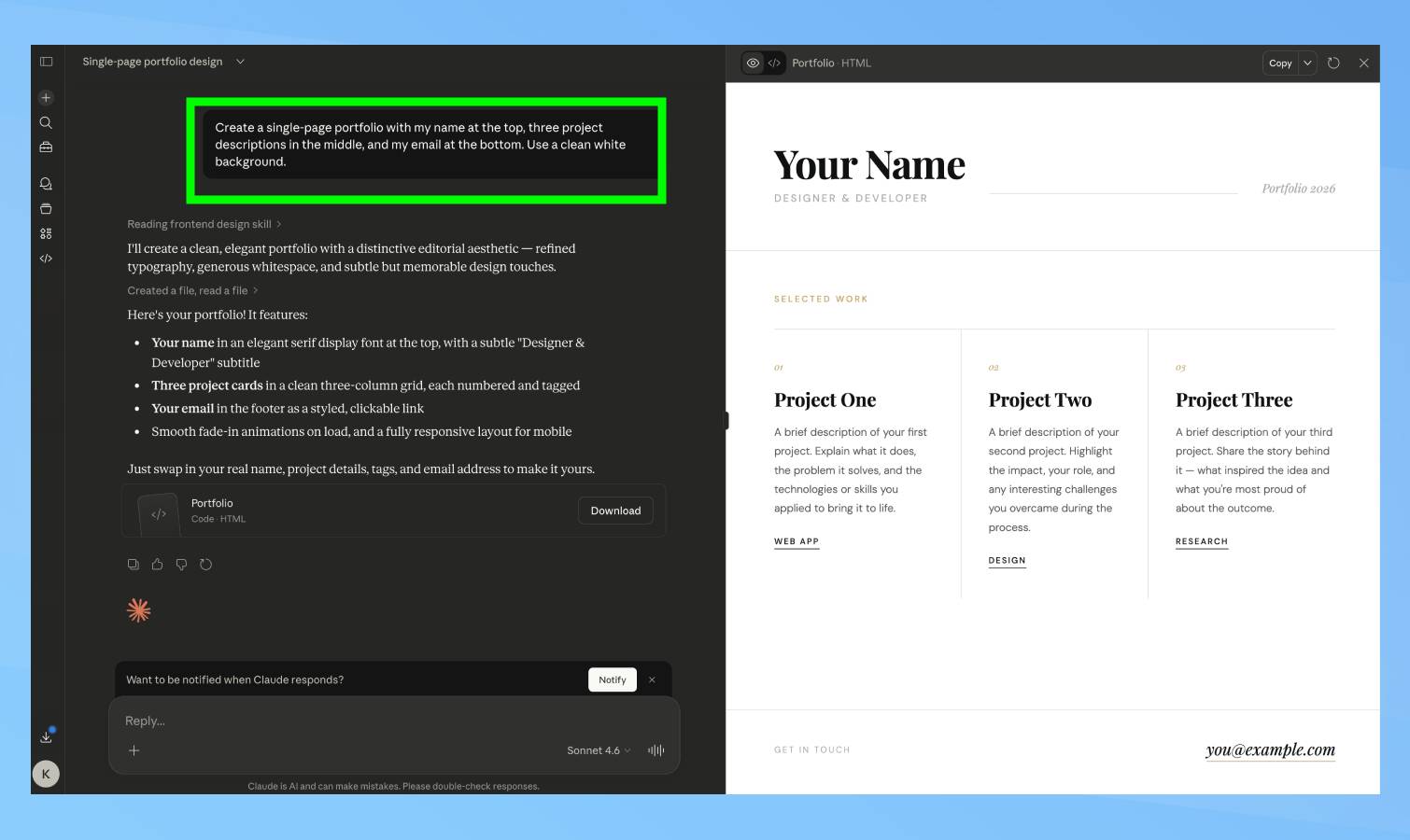
Vague requests get vague results. The more detail you include upfront, the better the AI’s first attempt will be.
Instead of “make me a website,” try: “Create a single-page portfolio with my name at the top, three project descriptions in the middle, and my email at the bottom. Use a clean white background.”
Specific prompts reduce back-and-forth corrections because the AI has less room to guess wrong about what you actually wanted.
3. Add features one at a time
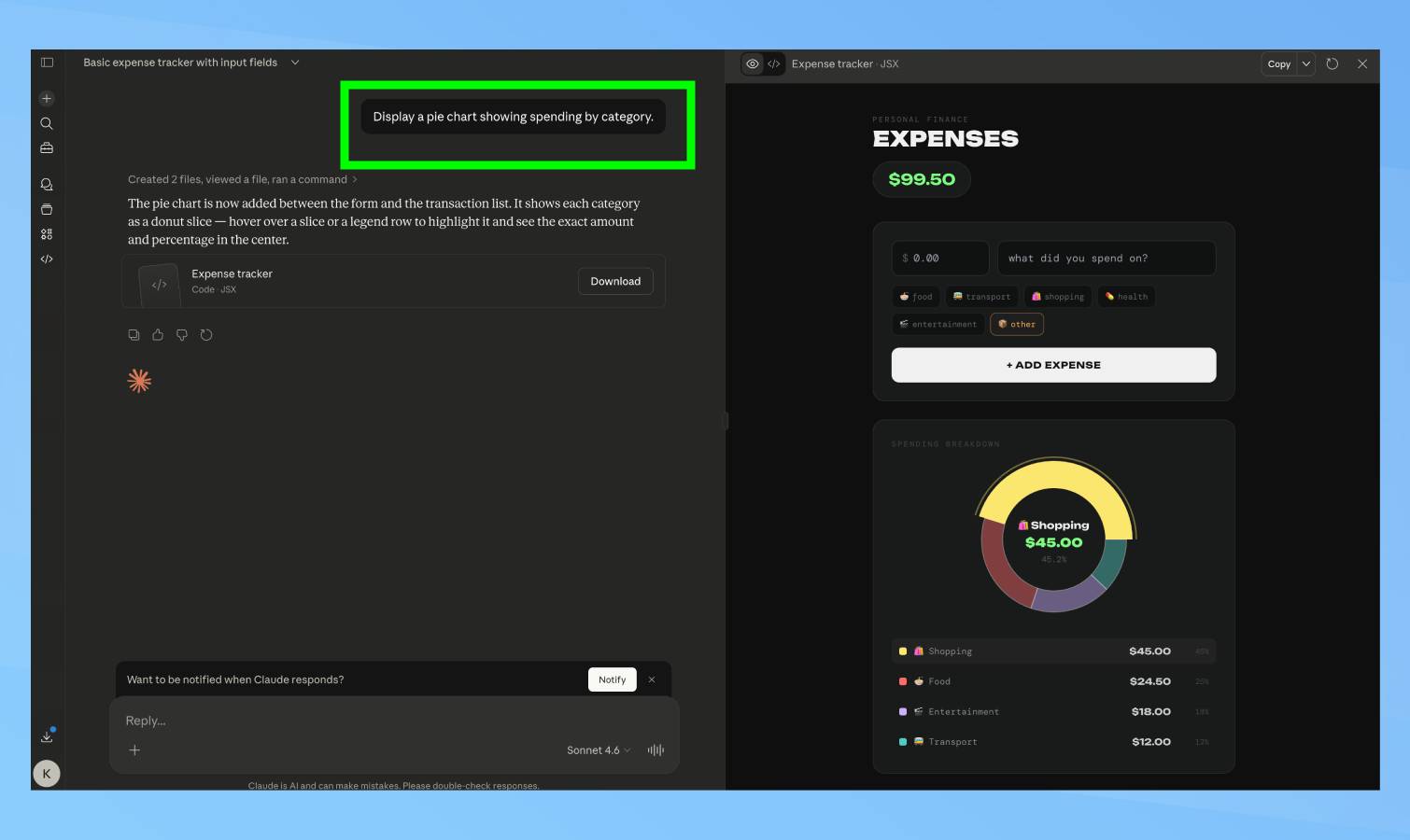
Don’t ask for everything at once. Build in steps so you can test each piece before moving forward.
Start with: “Create a basic expense tracker — just an input for amount and description.” Once that works, you can add more: “Add a button to calculate the total of all expenses.” And then: “Add categories like food, transport, and entertainment with a dropdown menu.”
Building incrementally makes debugging easier. If something breaks, you know exactly which addition caused the problem.
4. Always test before trusting the code
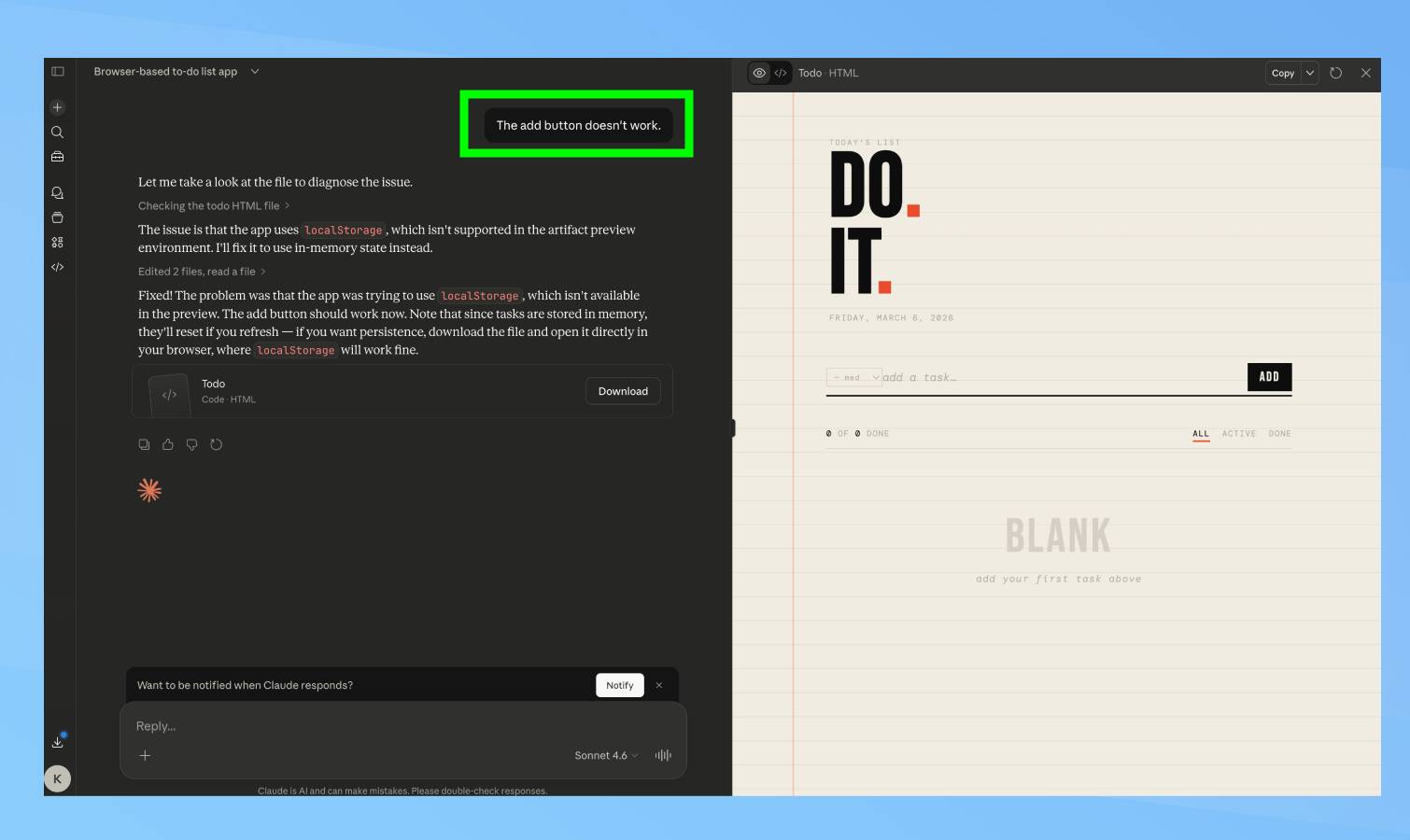
AI-generated code might appear correct but often contains bugs. Test everything thoroughly before relying on it.
Click every button, try typing unexpected things into forms, attempt to break the program intentionally. If you find errors, tell the AI exactly what went wrong, for example: “The save button shows an error when the input field is empty.”
Never use AI code for important tasks without testing it multiple times first.
5. Try different AI tools
Different AI models work better for different tasks. Claude handles complex projects well, whereas ChatGPT might be faster for simple scripts, and tools like Cursor integrate directly into coding environments.
Try the same request with different tools to see which produces better results for your needs. Most offer free trials, so experiment before considering committing to paid versions.
Source: Tom’s Guide
Leave a Reply